Why I made it
I took a train-the-trainer course through AI for Education. The culminating project is a complete professional development session on AI literacy for educators, and this is mine. I built it with a specific audience in mind. At my school, AI is mostly framed as a problem because of student cognitive offload, and most educators do not use it or use it as a search engine only. I have completed many AI trainings myself, and they tend to be all “what is AI” and high-level theoretical talk. They rarely get to the part I care about: how does this help me do my job? There is also a time paradox with AI. It only saves you time after you spend time setting it up. Educators try it once, it does not work right away, and they go back to the old way because the old way is faster today. My stance is: get educators using AI for themselves in the workshop, where they have time set aside to experiment and a structure to help them get started.
What it is
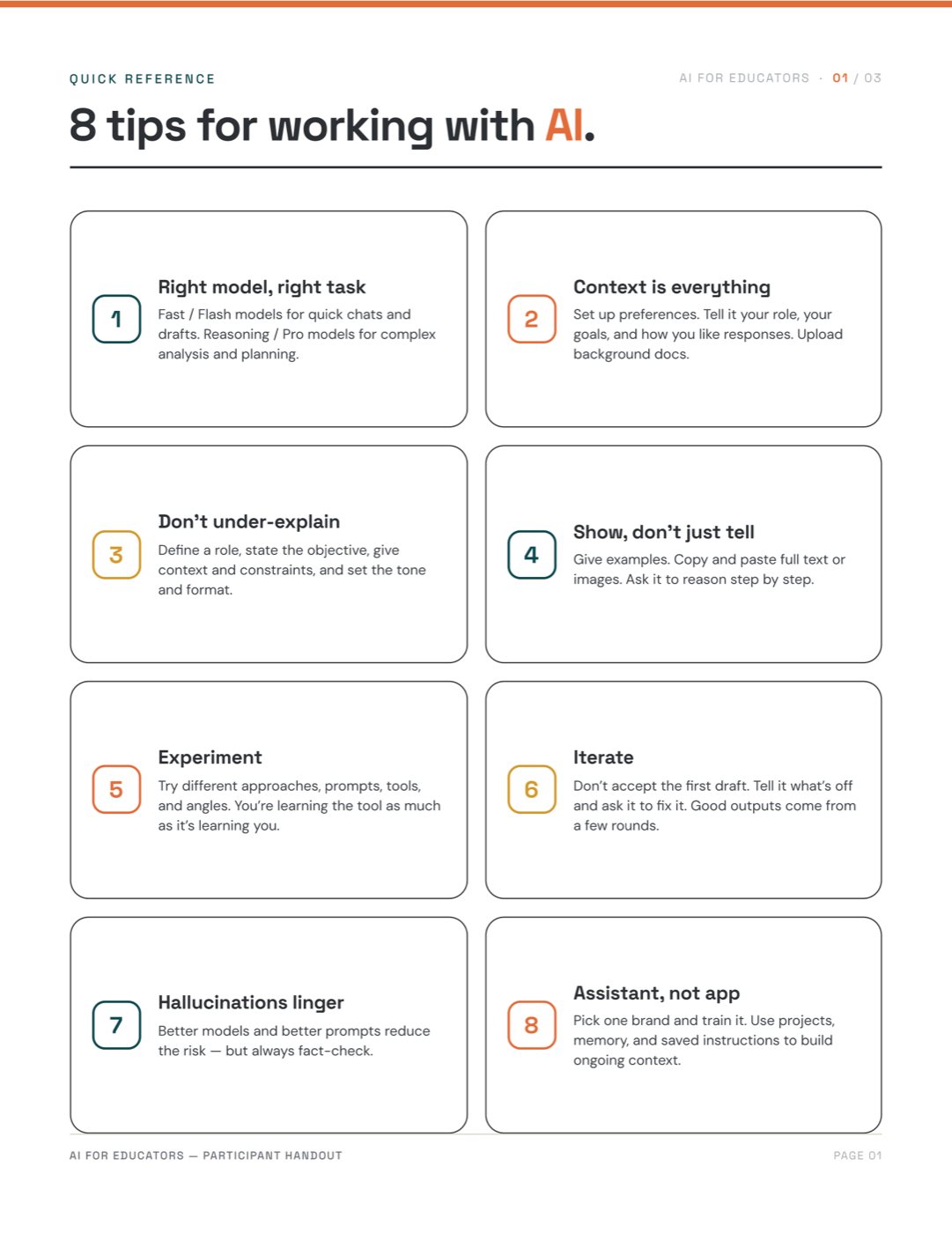
A one-hour hands-on workshop for secondary educators, most of them skeptical of AI. The materials I created are a slide deck, a facilitator guide, and a learner handout with 8 tips for working with AI, a tools-at-a-glance comparison, and an ideas-to-try page. I made all of it in Claude Design, with a design system (colors, font, logos, etc.) I created to represent me and my freelance work as a trainer.
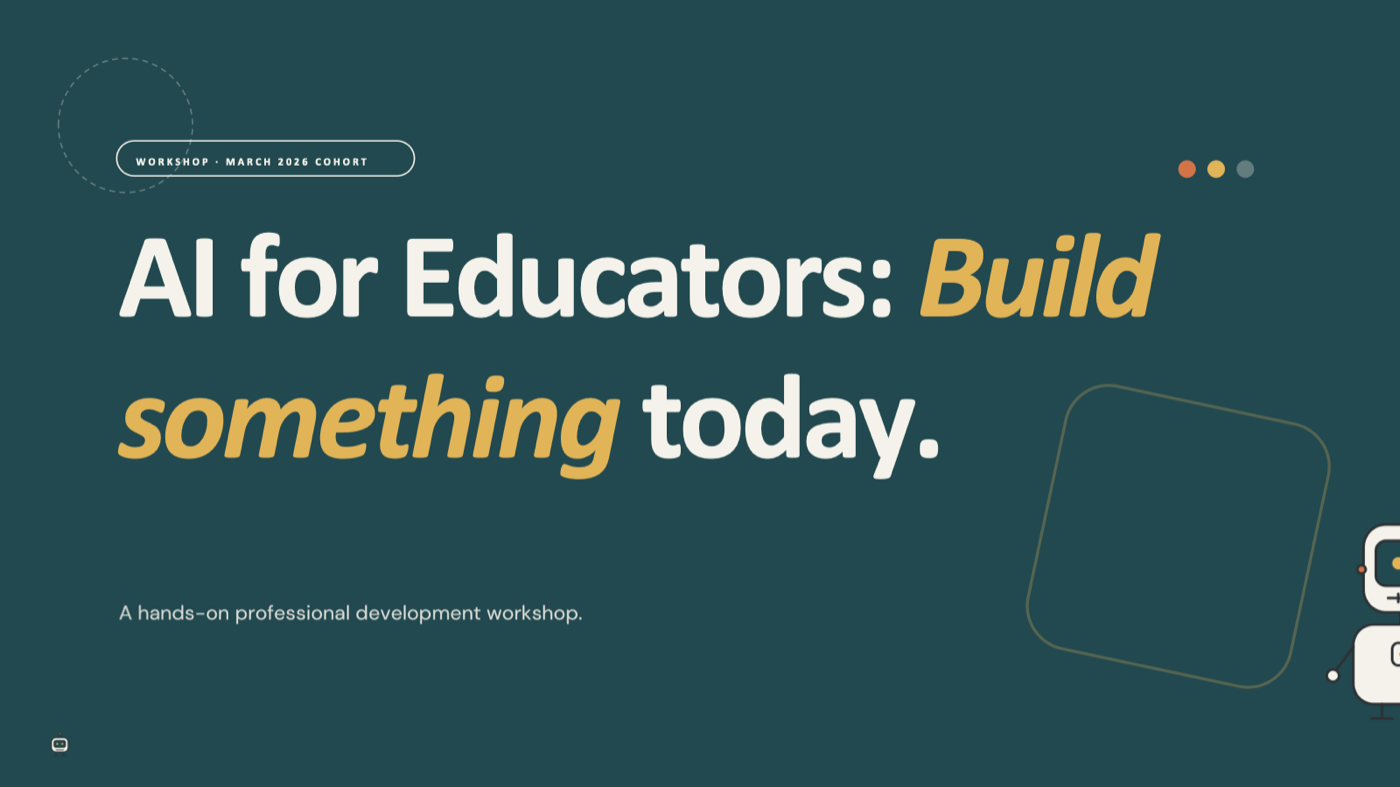
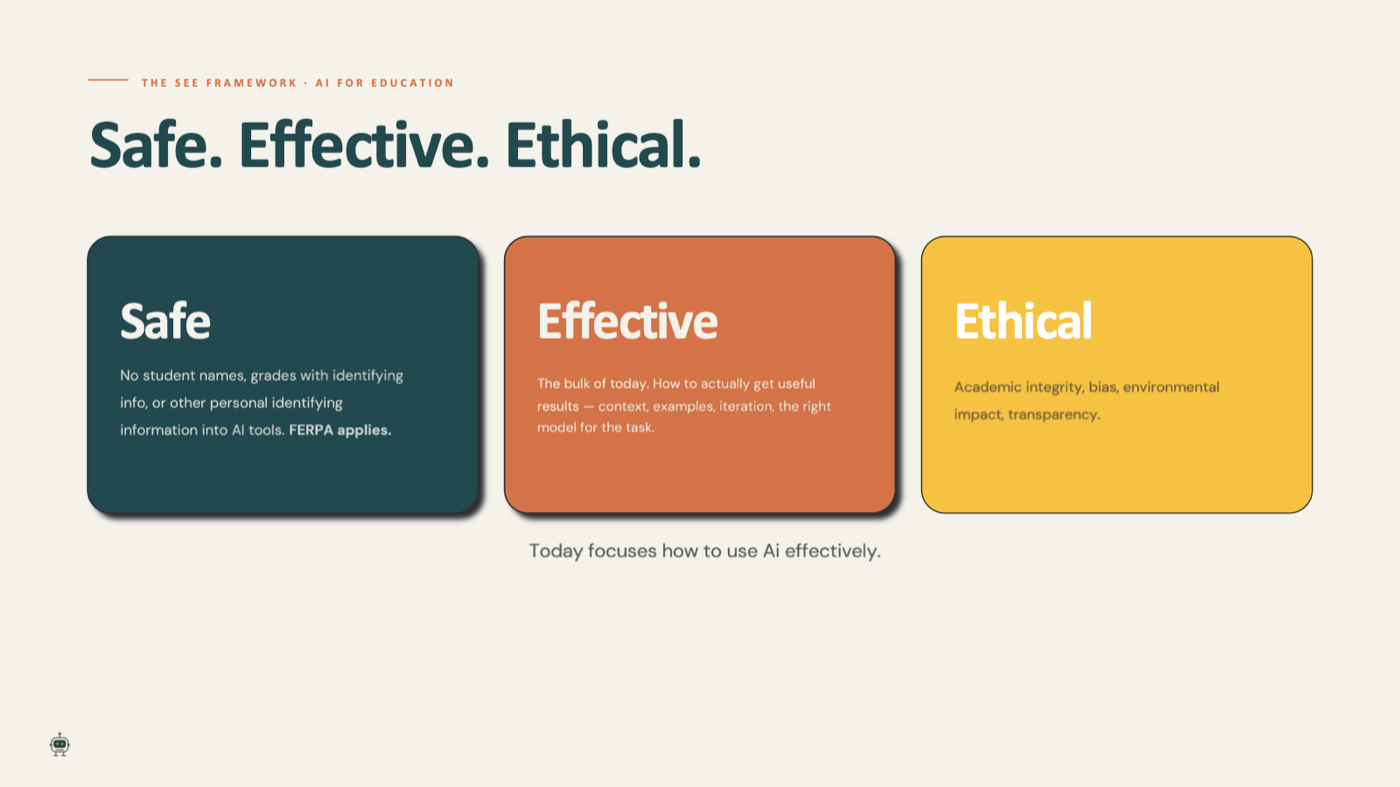
By the end of the hour, participants can delegate a task to AI with clarity, identify a use case in their own work, build something usable, and iterate to refine it. The session runs in five parts: opening and framing (what generative AI is, and AI for Education’s SEE framework: Safe, Effective, Ethical), tips for working with AI effectively, a live demo of workflows and tools I have built with AI, hands-on time where participants choose something to build, and a share-out and reflection on what they made.
Design decisions
The SEE framework has three parts, and I chose to focus the hour on Effective. Safety and ethics matter and we touch on both, but this session is not about how to use AI with students. It is about what educators can make and do with AI for themselves. I want them to get excited about what they can accomplish before they get wary, and the ethics and safety conversations deserve their own session rather than being crammed into this one.
Capability, not just efficiency. The hook is that AI lets educators build things they could not previously build, not just do their existing job faster. I chose this angle on purpose. The efficiency-only pitch falls apart the moment setup takes longer than the task, which for a new user is most of the time. Educators’ time is extremely valuable and scarce. If they are going to spend their plan period or weekend on something, it needs to be something that will save them a ton of time or be transformative to their practice.
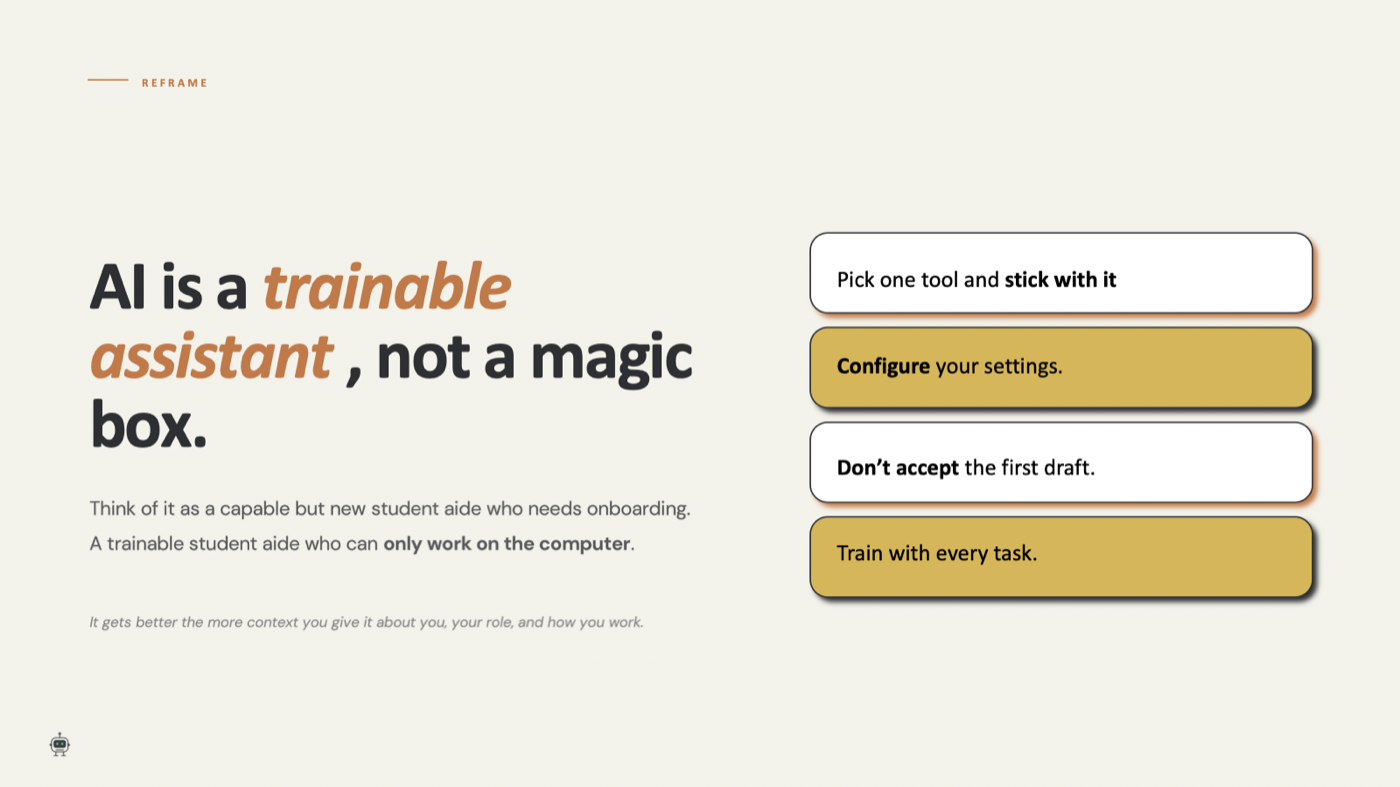
Train vs. prompt. Prompting has been built up to sound like a magic incantation you either know or you do not. While that is a helpful starting place, a single great prompt only gets you so far. Getting good results out of AI is iterative and depends on context. So throughout the workshop I use the words delegate and train, because that is what educators are actually doing when they work with AI. Educators are already trainers. Onboarding a capable new aide is an extension of what they do every day with students.
Demo before brainstorm. Partway through, participants write an anti-to-do list: the repetitive computer tasks that eat their time but do not need their expertise, like posting to the LMS, formatting documents, or calculating grades. Or the things they never had the skills or time to make before, such as coding an interactive experience or building highly differentiated lessons. The point is to get them thinking about what they could hand off to AI, and to give them a personal use case for the hands-on portion. At first this exercise came early in the session. Then I realized that someone who has barely used AI does not yet know what it can do, so the brainstorm has nothing to draw on. Now the live demo comes first: the ways I have used AI in my own teaching, like building Canvas quiz banks, aligning curriculum, deciding how to compress a unit when we are running out of time, and creating an online escape room to practice a concept. The demo also shows iteration: what a first draft looks like, and how adding context changes the result.
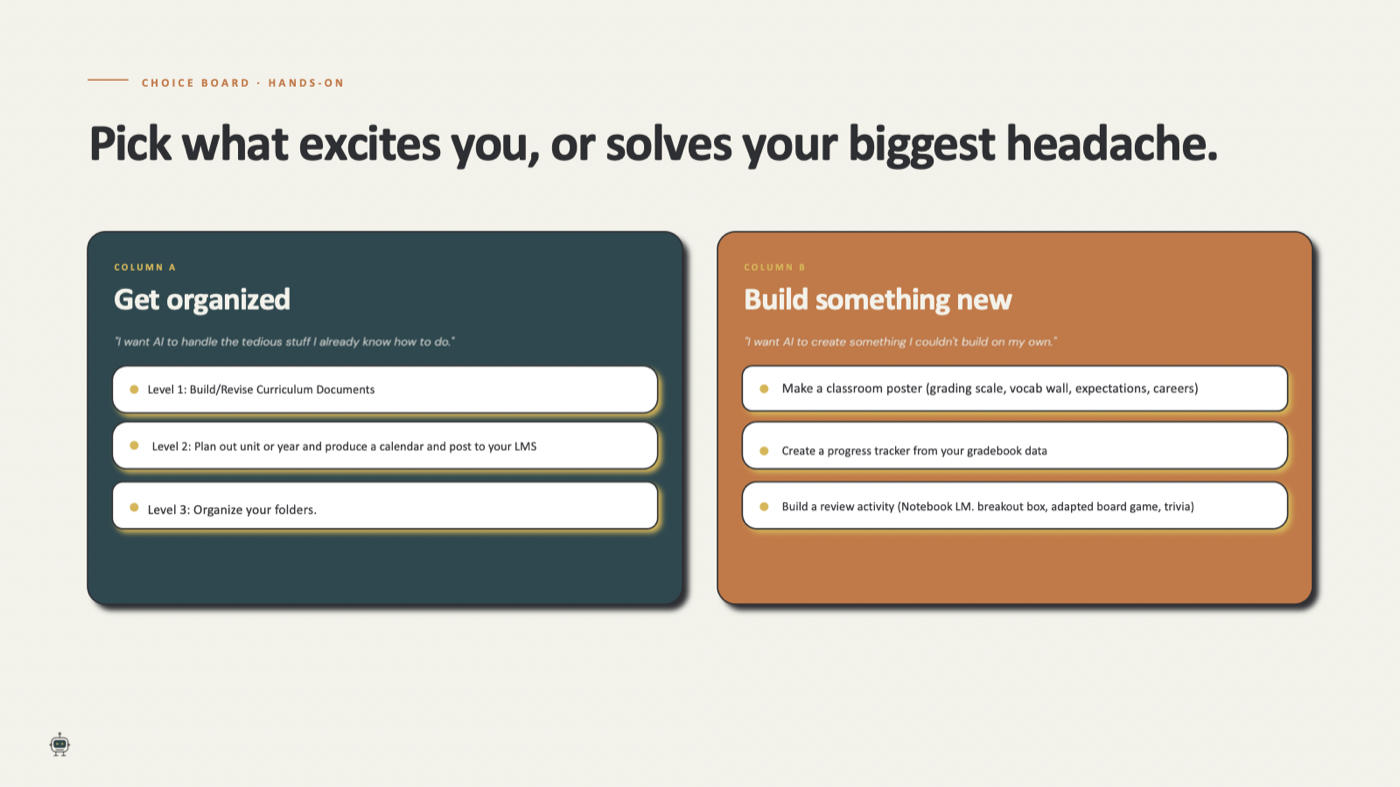
Hands-on work is the core of a good workshop: doing rather than watching and listening. I created a choice board with two columns and three levels each, so participants pick their own entry point based on where they are with AI and how comfortable they feel feeding it context. I want every participant to walk out with something they can actually use, and to have had the chance to ask questions while working with the AI. I also built in a share-out time so participants can see what others accomplished in the hands-on part, to spark their creativity.
Reflection
The real challenge in building this session was what to focus on. The AI for Education course was thorough, and it covered the SEE framework (Safe, Effective, Ethical) extensively. Safe and ethical use matter enormously in schools, and I value what I learned about both. But I think we sometimes get so bogged down in the risks that we never try the tool at all. Educators already arrive safety-conscious and ethics-conscious. What most of them have not had yet is the exciting moment: when AI transforms a process you do, or lets you differentiate or create something you always thought would be amazing but never had the capacity for.
I know that moment because I had it. As a mastery learning teacher, I believe students should be able to keep working at a topic until they get it, which means I need multiple opportunities for them to show their learning. Making multiple versions of an assessment was always my bottleneck. The first time AI took that off my plate was the first genuinely exciting thing I did with it. Then I got creative and started building interactive tools too. I want educators to feel that excitement first. Once they have it, the deeper conversation about using AI ethically has something to stand on.